Network Diagnostics

Port Check: Open, Closed & Filtered Explained

A port check answers one unambiguous question: is a specific TCP or UDP port actually reachable from the outside world, or not? Here is when to reach for it, and how to interpret each result.

Free instant check · 300+ worldwide locations · no login required
Prefer round-the-clock monitoring? Start Free Trial · View Pricing
example.com · TCP ports
443 open · reachable worldwide
443 (HTTPS)open
80 (HTTP)open
25 (SMTP)filtered
3306 (MySQL)filtered
22 (SSH)closed
Checked just now
Who Uses an Online Port Checker

The three port questions that come up again and again

Network administrators, DevOps engineers, and self-hosters reach for an online port checker whenever a service that should be reachable from the internet isn't behaving as expected.

Firewalls

Firewall debugging

A new application, API, or game server starts listening on a specific port, but nothing outside the network can connect. Rather than guessing whether it's the application, the server's own firewall (iptables, firewalld, Windows Firewall), a cloud security group, or the router in front, an external port check gives an immediate, unambiguous answer.

Mail

Mail-server port checks

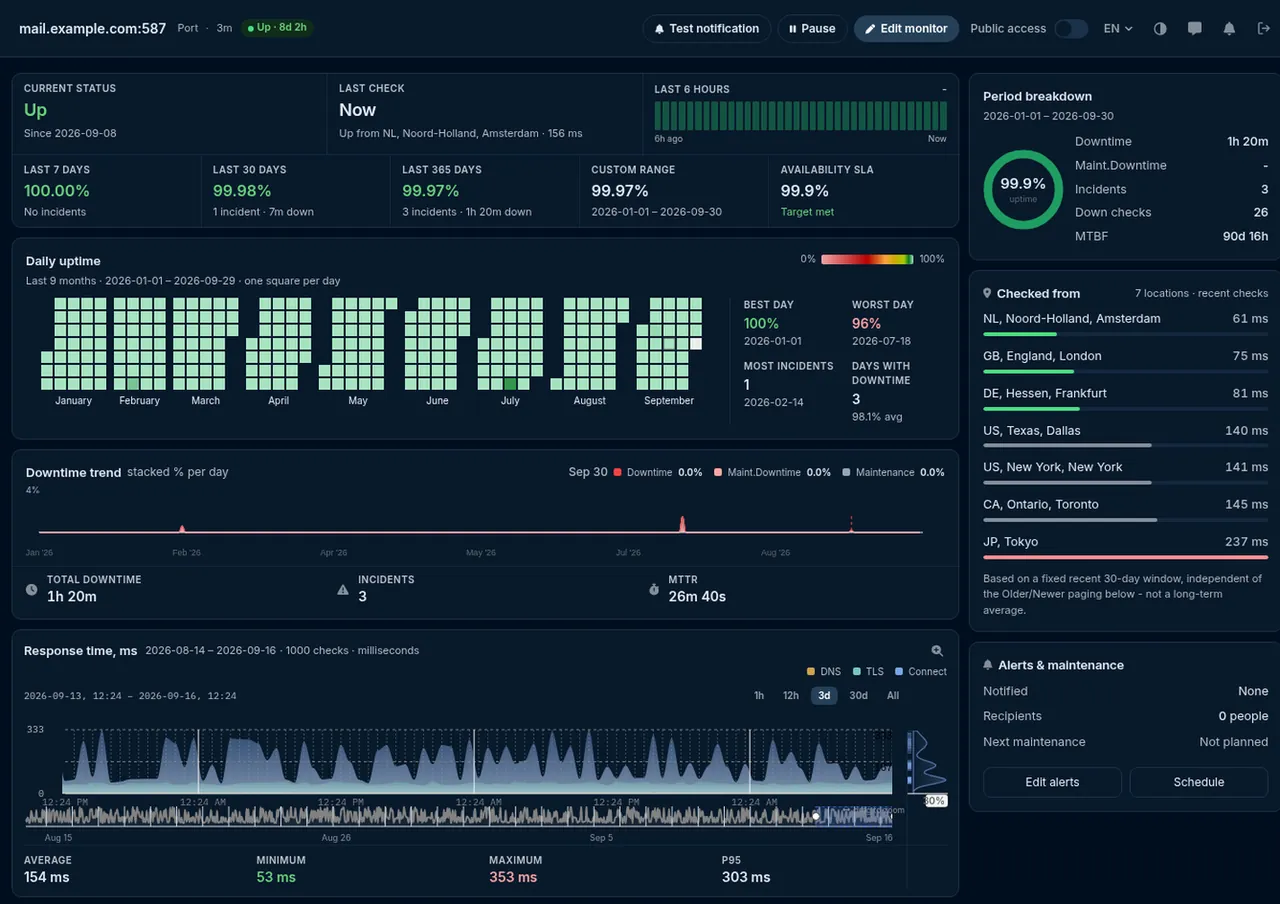
Email delivery depends on SMTP (25, 587), SMTPS (465), IMAP (143, 993), and POP3 (110, 995) being open and correctly forwarded. A misconfigured firewall — or a host that blocks outbound port 25 by default — can silently break outgoing mail. Checking each mail port individually from outside isolates exactly which service is affected.

Self-hosting

Port forwarding & exposure checks

Confirm port forwarding on a home or office router before exposing a self-hosted service — a game server, an NVR, a personal cloud — verify a newly deployed service is reachable before announcing it's live, and just as often confirm a port you deliberately closed is genuinely unreachable from the outside.

Reading the results

Open, closed, or filtered — what each state means

A port check returns one of three states. Open means a connection was actively accepted: a service is listening and reachable from the check location. Closed means the destination actively refused the connection — nothing is listening there, but the host itself is reachable. Filtered (or timed out) means no response came back at all, which typically indicates a firewall silently dropping the attempt — the standard, more secure behavior for a port that shouldn't be publicly visible.

Testing from more than one location matters too: a port that shows open from one region and filtered from another usually points to a geo-specific firewall rule or routing difference, not an inconsistent server. Before digging into one specific port, the DNS lookup tool and ping test cover the two checks that most often accompany a port investigation, and the website down checker tests full HTTP reachability when it's the whole site you're worried about.

Know the moment a critical port changes state
HostTracker can watch any port continuously and alert you when one that should stay open becomes unreachable — or one you closed is exposed again.
Start Free Trial →

Najczęściej zadawane pytania

Filtered (sometimes shown as a timeout) means the check received no response at all from the destination, unlike closed, where the destination actively sends back a refusal. This is almost always deliberate: a firewall, a cloud security group, or a router is configured to silently drop packets addressed to that port rather than announcing that nothing is listening there. It's actually the more secure default for any port that isn't meant to be reachable from the internet, since it gives an attacker no information about whether a service exists behind it. A filtered result on a port you expect to be open usually means a firewall rule needs adjusting.

Not by itself. An open port simply means a service is listening and accepting connections - the risk depends entirely on what that service is and whether it should be reachable from the public internet in the first place. A web server correctly listening on port 443 is exactly what you want open. The same port left open on a database or an admin panel that was never meant to face the internet is a real risk. As a rule, only open the specific ports your public-facing services actually need, and keep everything else filtered or closed.

TCP is connection-oriented: opening a TCP port involves a handshake, so a check gets a clear, reliable answer - accepted, refused, or no response. UDP is connectionless, so many services never reply to an unexpected packet at all, whether or not anything is listening; a UDP check can typically only distinguish "closed" (the host explicitly returned an ICMP port-unreachable message) from "open or filtered" (no reply either way), which is inherently less certain than a TCP result. If you're checking a UDP-based service like DNS or a game server, treat "no response" as inconclusive rather than a confirmed closed port.

A geo-specific firewall rule, a content delivery network, a load balancer, or country-level network filtering can all make the exact same port behave differently depending on where the connection originates. This is common and not necessarily a misconfiguration - many services deliberately restrict access by region. Running the check from multiple locations at once, rather than a single vantage point, is what reveals whether an inconsistency is intentional geofencing or an unintended gap in your firewall rules.

The core set is SMTP (25 for server-to-server delivery, 587 for authenticated client submission), SMTPS (465), IMAP (143, or 993 encrypted), and POP3 (110, or 995 encrypted). If outgoing mail seems broken, check port 25 first - many hosting providers and cloud platforms block outbound connections on that port by default to reduce spam, which silently prevents a server from delivering mail even though everything else looks configured correctly.

Running a single connection attempt to see whether a port responds is functionally the same as visiting a website or sending a normal network request - it's not an exploit, and by itself it doesn't access or modify anything on the target system. That said, scanning many ports across many hosts you have no relationship with can violate a network's acceptable-use policy or trigger abuse alerts, so a full port sweep of infrastructure you don't control should have permission behind it, the same as any other security testing. Checking your own domains, servers, or services carries no such concern.

Bezpłatny okres próbny już dostępny

Keep your critical ports watched

Start a free trial and let HostTracker verify your service ports around the clock, with instant alerts on any change.